Lipsync
Create a video
English

AI lip sync & AI video creation

Partner workflow: Vidione creates paid talking-avatar video from a photo, script and voice, or a single AI video shot after sign-in and subscription. It cannot change the speech or lip movements in an already recorded video. These links transfer no footage or prompt.

Guide Select
Existing video: guide only

Vidione generates a talking avatar from a photo, script and voice after sign-in and subscription; it does not re-dub existing video. This guide transfers no footage or prompt.

No input is transferred from this page

Scene ideas · not submitted from this guide

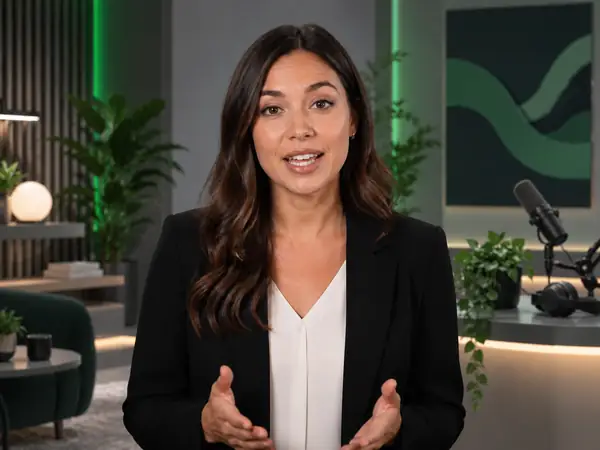
Friendly presenter in a modern softly lit studio, close-up editorial video still.Studio presenter
Expressive orange fox and small robot in a luminous forest, cinematic animated close-up.Animated character
Singer onstage beneath vivid green and gold spotlights, atmospheric concert photography.Music performance
Chilled citrus drink surrounded by splashing water and floating lime slices, dramatic product photography.Product visual
Vidione: photo + script + voice, or one AI video shot
Choose your source and review options before creating.
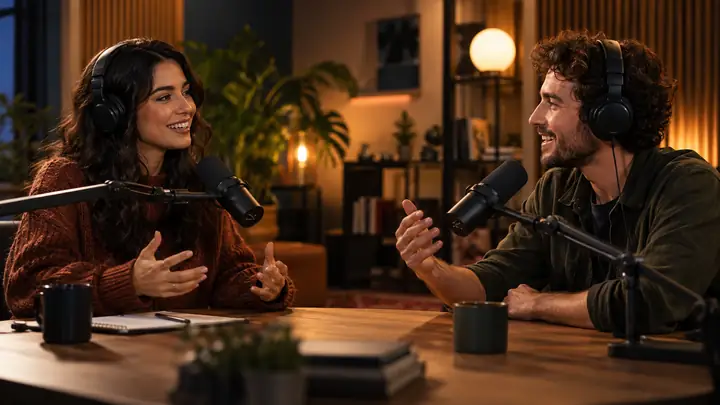
Two presenters speaking into microphones in a warm recording studio, editorial video thumbnail.

Existing-video dubbing guide

Adapt a performance for a new audience.

Minimal image-making interface displaying a finely detailed illustration on a bright canvas.

Image Creation

Develop reference visuals for your story.

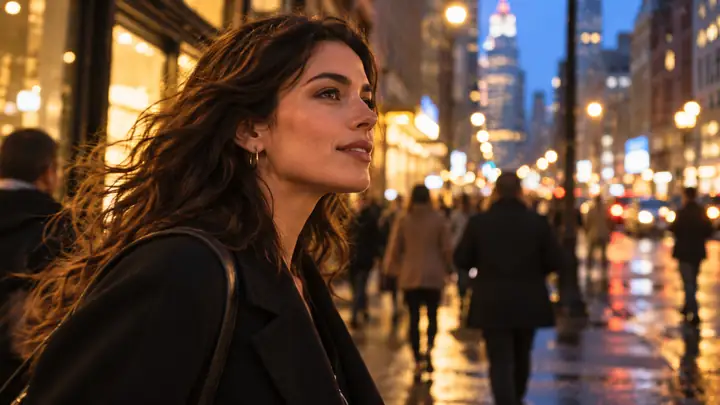
Woman moving through a lively city street, cinematic side-profile video still.

AI Video Scenes

Imagine motion, setting, and atmosphere.

Dramatically lit character looking toward camera in a cinematic interior, video still.

Character Video

Bring expressive characters into a scene.

Colourful beverage arranged for a polished contemporary product advertisement.

Product Stories

Explore a fresh direction for an ad.

Supported and editorial routes

Two ways to plan a speaking video

Vidione supports new talking-avatar clips from photos and scripts, and single-shot AI video. Existing-video dubbing is a separate editorial topic; it is not a Vidione capability.

DimensionAI Video CreationTalking avatar from photo (Vidione)
Main taskGenerate new scenes, shots, and motionCreate a new speaking avatar from a still photo, script and selected voice
Starting materialA text prompt for one new video shotPhoto + manually entered script + selected voice; not an existing video
Clip lengthTypically suited to individual shotsSuited to dialogue and character performances
Core controlScene, action, camera, and visual styleSpoken content, mouth movement, and delivery
Best suited toNew scenes, complex movement, B-roll, stories, and adsNew scripted talking-photo presenter clips; dubbing and singing need other tools
Starting pointCreates a visual clip from an idea or referenceStarts from a still portrait, not an existing recorded video
OutputA newly generated video shotA new talking-avatar video with generated voice from your script

AI lip sync for videos, photos, and avatars

Make a talking-avatar video from a photo and script

For a supported workflow, start with a photo, script and voice to make a new talking avatar. Re-dubbing existing videos and singing-photo generation are not supported by Vidione.

Existing-video dubbing (editorial guide)

Editorial comparison: replacing the voice in an already recorded video needs a different tool. Vidione only creates new speaking-avatar clips.

  • ✓Existing-video dubbing requires another tool
  • ✓Use a clear portrait photo as the avatar source
  • ✓Vidione creates a new speaking video from a still image
  • ✓Suitable for short scripted presenter clips
Create a talking avatar

AI Talking Photo

Start a talking avatar from a photo, script and selected voice after signing in and subscribing.

  • ✓Starts with a clear front-facing photo
  • ✓Creates a performance from a still visual
  • ✓Needs less source material than a video workflow
  • ✓Useful for talking portraits, artwork, and character content
Make a photo talk
Speaking photoScript and voicePaid creation
Four video scenes showing cinematic characters, a product visual, a presenter, and an animated story.

Turn Any Idea into a Video with AI

AI video creation at Vidione begins with a prompt and makes one new video shot. Images, reference frames, multi-scene assembly and motion-control methods below are editorial planning topics, not supported Vidione inputs.

Text to Video

Describe the scene, subject, camera, mood, and action you want to see.

Image to Video (guide)

Compare image-led video tools separately; Vidione’s single-shot video starts from a text prompt, while a photo can start its talking-avatar workflow.

Frames and References (guide)

Storyboard opening frames with separate editing tools; Vidione does not take frame sequences for multi-shot continuity.

Motion Control (guide)

Plan reference performances as an editorial technique; Vidione does not retarget a filmed performance.

Video types

Create Videos for Every Kind of Story

Explore ads, stories, animation, presenter videos, social content, localized videos, and performances.

Characters exploring a mysterious dark house.CINEMATIC STORY
01

Short Films, Dramas & Cinematic Stories

Develop narrative films, cinematic scenes, trailers, concepts, and individual shots for a larger production.

AI VideoMotion ControlAI ImageAI Voice
Animated fox and robot discovering a glowing crystal.CHARACTER
02

Animation & Character Videos

Bring cartoons, animals, illustrated characters, mascots, and avatars into stories and dialogue scenes.

AI VideoAI Lip SyncAI Image
Presenter addressing a multilingual video audience.MULTILINGUAL
03

Localized and Multilingual Videos

Plan translated ads, courses, product videos, and versions of existing character content.

DubbingAI VoiceAI Lip Sync
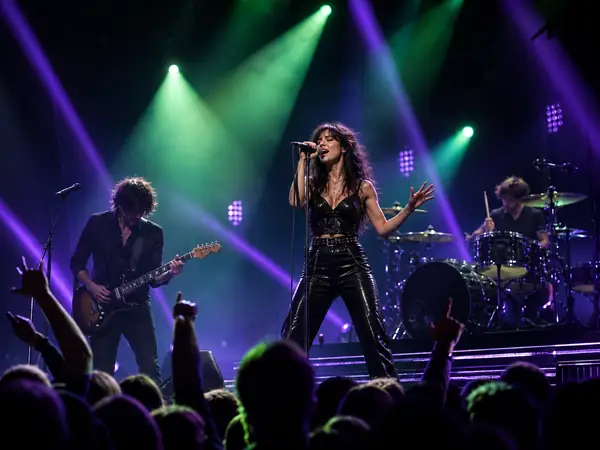
Singer and band performing beneath vivid concert lights.PERFORMANCE
04

Music and Performance Videos

Visualize musicians, singing characters, concert scenes, and expressive performances.

AI VideoAI Lip Sync
Creator presenting a colourful beverage product.PRODUCT
05

Ads & Product Videos

Explore product shots, commercial scenes, creator presentations, and campaign ideas.

AI VideoAI Image
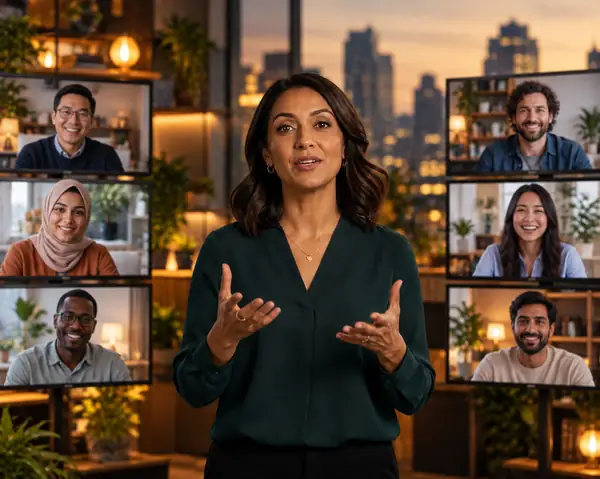
Digital presenter speaking in a modern studio.PRESENTER
06

Talking Presenter and Avatar Videos

Give a presenter or recurring character a voice for explainers and introductions.

AI AvatarAI Lip Sync
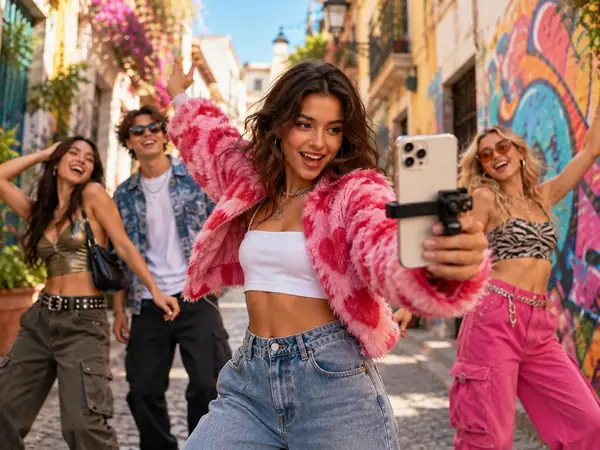
Creator filming street fashion with friends.CREATOR
07

Social & Creator Videos

Shape short-form stories, creator clips, and character-led social content.

AI VideoAI Lip Sync

Supporting tools

Build the Characters, Visuals, and Voices Your Video Needs

Use a still photo, script and selected voice for Vidione’s talking avatar. Visual editing and reusable character systems require separate tools.

AI Avatar

Bring a clear still portrait, write a script and select a voice for a new talking-avatar clip. Reusable character libraries and outfit changes are separate workflows.

Explore avatars

AI Image

Prepare portrait images using a separate editor. Vidione accepts a photo for a talking-avatar clip; it does not provide a general image editor or frame-sequence workflow.

Explore images

AI Voice

Prepare dialogue or narration when you do not have a recording. Voice can support a talking character, presenter, localized version, or a sequence of generated scenes.

Explore voice

Why Lipsync

Why Choose Lipsync for AI Lip Sync and AI Video

Plan new avatar performances and single-shot AI scenes. To edit existing performances or assemble a multi-scene film, use separate software.

01

Talking avatars from a still image

Upload a portrait photo, write a script and choose a voice to create a new speaking avatar; existing footage cannot be modified here.

02

A Clear Starting Point

This guide sends no ideas to Vidione. Sign in and subscribe there, then enter a photo and script or a single-shot video prompt.

03

Start from the Media You Have

Begin with a photo, script and voice for a talking avatar, or a prompt for one new AI video shot.

04

More Visual Options Without Filming

Explore original scenes, product visuals, transitions, and supporting footage before a camera rolls.

05

Match the Model to the Shot

Consider your input, desired motion, camera direction, and visual style when choosing a workflow.

06

Connected Video Creation

Bring generated scenes, dialogue, narration, and supporting visuals into a coherent production plan.

How it works

Plan a Talking Video in Three Steps

Generate a paid talking-avatar clip or a new single AI video shot at Vidione. Use your own editor to combine separate outputs.

01

Start with the Right Source

Choose a photo, script and voice for Vidione’s talking-avatar video, or a prompt for a single-shot AI scene; existing footage needs a different tool.

02

Create the Performance and Scenes

For a Vidione talking avatar, upload a photo, write the script and select a voice. For an AI scene, describe one shot. Singing and motion-control editing require other tools.

03

Bring the Outputs Together

Download and review the generated clip, then combine shots, sound, captions and branding in a separate editor if needed.

AI video model research

Compare Video Models Before Choosing a Tool

These are editorial industry examples, not a list of models available at Vidione. Check the partner dashboard for its current single-shot options.

Seedance 2.5
Seedance 2.0
Minimax H3
Kling 3.0
GGemini Omni
GVeo 3
Grok Imagine Video
Seedance 1.5 Pro
Hailuo 2.3
HappyHorse 1.0

Creator stories

How Creative Teams Can Plan AI Video

Illustrative planning scenarios, not customer testimonials or claims about Vidione features.

EDITORIAL SCENARIO

Plan a fresh talking-avatar presenter clip from an approved script and photo; for localization, write a new script rather than dubbing existing footage.

PO
Planning exampleSocial Content Strategist
EDITORIAL SCENARIO

Compare product-shot ideas before committing to a campaign; use a separate editor for image references and Vidione only for one new AI video shot.

PO
Planning exampleE-commerce Creative Lead
EDITORIAL SCENARIO

Write a one-shot video prompt to test movement and atmosphere, then plan transitions and longer narrative edits in separate software.

PO
Planning exampleIndependent Filmmaker
EDITORIAL SCENARIO

Map the script and imagery together, generate a talking-avatar clip, and assemble it with any other shots in a separate editor.

PO
Planning exampleCreative Director
EDITORIAL SCENARIO

For dialogue-led scenes, prepare one face-forward photo, a short script and a selected voice; Vidione does not retarget existing character footage.

PO
Planning exampleMotion Designer
EDITORIAL SCENARIO

For another language, translate the script and make a new talking-avatar clip; the partner cannot preserve delivery in approved existing footage.

PO
Planning exampleProduct Marketing Manager

Bring Your Next Video to Life

Make a new talking-avatar presenter clip or one AI video shot at Vidione after signing in and subscribing. Assemble multiple scenes in a separate editor.

Create my video now

FAQ

AI Lip Sync and AI Video FAQs

What is AI lip sync?

AI lip sync matches mouth movement to speech. At the partner Vidione, a supported project begins with a photo, script and voice and creates a new talking-avatar video; changing an existing video requires a different tool.

Should I use Video Lip Sync or Photo Lip Sync?

Choose Vidione’s photo-plus-script-plus-voice workflow to make a new avatar clip. If you need to preserve movement in a filmed video and replace its speech, choose a dedicated dubbing tool instead.

Can AI lip sync work with cartoons, animals, and AI characters?

Some lip-sync workflows support these characters. A clear face and mouth area usually provide a better starting point; check the options for your chosen tool.

How long can my video be?

Length depends on the tool and model. Check its current limits in the creation workspace before planning a longer performance.

Can I use an AI video model to create a lip-synced video?

A video model can help create the visual scene; a dedicated lip-sync workflow is designed around matching visible speech or singing to a character.

Can I change the language of an existing video?

For a localized version, prepare a translated script and generate a new talking-avatar clip. Vidione does not dub an existing video.

Do I need a recorded video to make a talking character?

Not necessarily. A photo or avatar can be the starting visual for a talking-character workflow.

When should I use Motion Control instead of AI lip sync?

Think about Motion Control when a pose, gesture, or larger character action matters more than matching spoken words to mouth movement.
Create a video
Create a video